I came across a funny 9gag article (click on the logo to read the article). One of the comments was really funny. It said "If Your Code Runs Every Time, You are Doing Something Wrong".
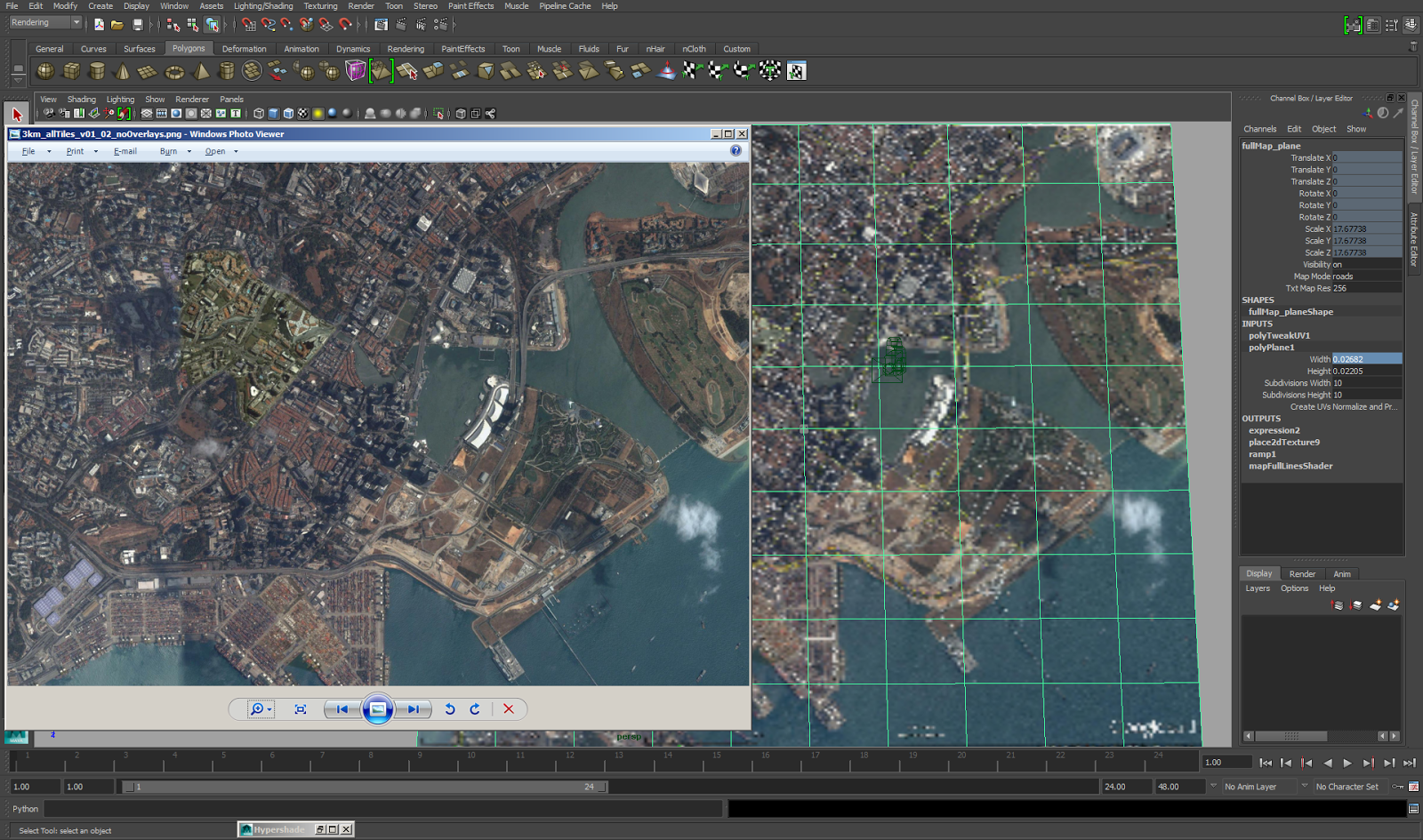
While working on a project that required me to display map features in very fine detail, I ran into the problem of Maya's limited ability to show texture maps at higher than 256x256 in the viewport. On the left is the source image supplied as a texture on the plane in the Maya scene, displayed from Window's image viewer. On the right inside of Maya is the same map that's loaded as a lower resolution map. In the hardware texturing setting for that shader (I'm using a surface shader), we soon find out that 256x256 is the highest resolution we can choose to show our texture at. Searching through the Internet I had the good fortune to come across this very useful tip on a blog that solved the problem for my situation: http://blog.erlendsakshaug.com/post/59585323349/maya-tip-set-texture-resolution-above-256x256-in-the To find out the current hardware texture resolution for the shader of this object, we have to find out the name of the shader. For me it is ...
In reply to another StackOverflow question , I wrote 2 blocks of code that shows 2 UI layouts created with Maya's UI framework. First one looks like this: This is the code that created this first one. import maya . cmds as mc def buildUI (): winName = 'myWindow' winWidth = 200 # set a target width and reference this when you specify width if mc . window ( winName , exists = True ): mc . deleteUI ( winName ) mc . window ( winName , width = winWidth , title = 'Test Window' ) # i always have keep a reference to the main columnLayout mainCL = mc . columnLayout () mc . text ( label = 'text row 1' ) # tmpRowWidth controls the width of my columns in the rowLayout # with reference to winWidth tmpRowWidth = [ winWidth * 0.3 , winWidth * 0.7 ] mc . rowLayout ( numberOfColumns = 2 , columnWidth2 = tmpRowWidth ) # at this point our UI pointer is under the rowLayout mc . text ( label = 'row colu...
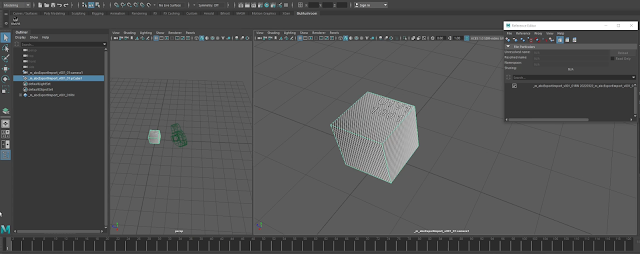
Alembic Cache Export and Import in Maya from Patrick Woo on Vimeo . Watch this on YouTube. Here's a new video I've created on my channel. This video shows how I export and import models and animation to the Alembic format (.abc). It also shows how imported Alembic files can have some flexibility in terms of offsetting animation timings, playback speed and cycling options .
Comments
Post a Comment